Introduction
The modern workplace has undergone a dramatic transformation over the past few years, driven by advancements in technology and the global shift toward remote and hybrid work environments. Organizations are no longer confined to physical office spaces, and teams are increasingly distributed across cities, countries, and even continents. While this shift has unlocked flexibility and access to global talent, it has also introduced significant challenges in communication, collaboration, and alignment.
In this new landscape, traditional tools such as emails, static documents, and messaging apps are often insufficient for effective teamwork. This is where the digital whiteboard for remote work becomes essential. It offers a highly interactive and visual collaboration environment that replicates—and in many cases enhances—the experience of working together in a physical office.
A modern digital whiteboard enables teams to:
- Collaborate visually in real time or asynchronously
- Organize complex ideas into structured frameworks
- Centralize communication and reduce tool fragmentation
- Improve clarity through diagrams, workflows, and visual models
- Accelerate decision-making and execution
By enabling teams to brainstorm, plan, and execute ideas in a shared virtual space, digital whiteboards serve as a central hub for productivity and innovation.
What is a Digital Whiteboard for Remote Work?
A digital whiteboard for remote work is a cloud-based collaboration platform that allows individuals and teams to create, visualize, and organize ideas on a shared virtual canvas. Unlike traditional whiteboards that are limited by physical space and location, digital whiteboards provide an infinite workspace that can be accessed from anywhere with an internet connection.
These platforms are designed to support a wide range of activities, including:
- Brainstorming and ideation sessions
- Project planning and workflow mapping
- Strategic discussions and decision-making
- Training sessions and workshops
- Visual documentation and knowledge sharing
In addition to basic drawing and note-taking capabilities, modern digital whiteboards integrate seamlessly with other productivity tools, enabling teams to connect brainstorming sessions with execution workflows. This makes them not just a tool for ideation, but a comprehensive solution for managing the entire lifecycle of a project.
Why Digital Whiteboards Are Critical for Remote Work
Eliminates Communication Gaps
One of the biggest challenges in remote work environments is the fragmentation of communication across multiple platforms. Teams often rely on email, chat tools, and video conferencing, which can lead to information silos and inefficiencies.
A digital whiteboard for remote work solves this by:
- Centralizing all ideas and discussions in one place
- Reducing dependency on long email threads
- Providing visual context for faster understanding
- Enabling transparent collaboration across teams
This centralized approach ensures that everyone has access to the same information, improving clarity and alignment.
Enhances Visual Thinking
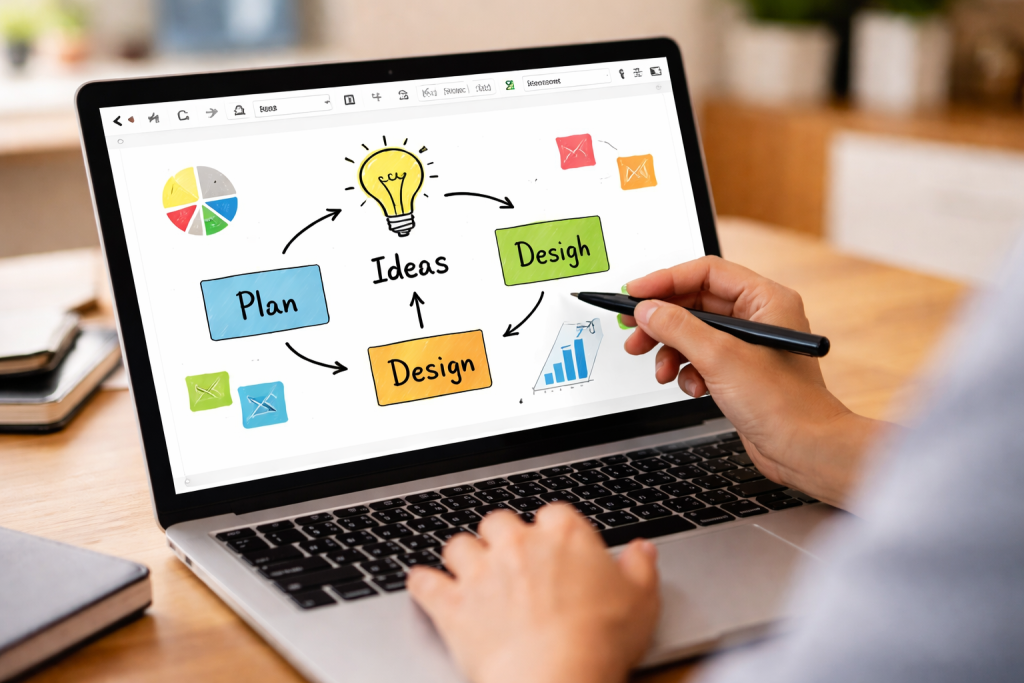
Visual thinking plays a crucial role in understanding and solving complex problems. Instead of relying solely on text, teams can use diagrams and visual frameworks to communicate ideas more effectively.
Common visual formats include:
- Mind maps for idea generation
- Flowcharts for processes and workflows
- Diagrams for system architecture
- Matrices for decision-making
By using a digital whiteboard for remote work, teams can transform abstract concepts into clear, actionable visuals.
Enables Real-Time Collaboration
Real-time collaboration is essential for maintaining momentum in remote teams. Digital whiteboards allow multiple users to work on the same board simultaneously, creating a dynamic and interactive environment.
Key advantages include:
- Instant feedback and iteration
- Collaborative brainstorming sessions
- Improved engagement during meetings
- Faster idea validation
This real-time interaction replicates the energy of in-person collaboration while offering greater flexibility.
Supports Asynchronous Workflows
In distributed teams, not everyone works at the same time. Digital whiteboards support asynchronous collaboration, allowing team members to contribute when it suits them best.
This approach provides:
- Flexibility for global teams
- Continuous progress across time zones
- Reduced need for scheduling meetings
- Better work-life balance
Asynchronous workflows are a major advantage of using a digital whiteboard for remote work.
Improves Decision-Making Speed
Decision-making becomes faster and more structured when teams use visual tools.
Digital whiteboards enable:
- Dot voting for prioritization
- Impact vs effort analysis
- Pros and cons mapping
- Visual comparison of options
These frameworks help teams quickly evaluate alternatives and reach consensus efficiently.
Key Features of a Digital Whiteboard for Remote Work
A powerful digital whiteboard for remote work includes a range of features designed to enhance usability and collaboration.
Core Features
- Infinite canvas for unrestricted work
- Real-time multi-user editing
- Drag-and-drop interface
- Pre-built templates and frameworks
- Sticky notes and annotation tools
Advanced Features
- Multimedia embedding (images, videos, PDFs)
- Integration with Slack, Zoom, and project tools
- Version history and board recovery
- Role-based permissions and access control
- Export options (PDF, PNG, shareable links)
These features ensure that teams can collaborate efficiently without technical limitations.
Core Benefits of Using a Digital Whiteboard for Remote Work
Increased Productivity
A digital whiteboard for remote work reduces inefficiencies by consolidating tools and workflows into a single platform.
Productivity improvements include:
- Less time spent switching between tools
- Faster brainstorming and execution
- Reduced meeting durations
- Clear task visualization
Better Team Alignment
Alignment ensures that all team members are working toward the same goals.
Digital whiteboards help by:
- Providing a shared visual workspace
- Making priorities and workflows visible
- Reducing misunderstandings
- Improving accountability
Enhanced Creativity
Creativity thrives in interactive environments.
Digital whiteboards encourage innovation through:
- Free-form ideation
- Visual experimentation
- Collaborative input
- Rapid iteration
Cost Efficiency
Organizations can reduce costs by:
- Eliminating physical office dependencies
- Reducing travel expenses
- Minimizing material costs
- Improving operational efficiency
Scalability
Digital whiteboards scale easily across organizations.
They support:
- Small teams and startups
- Mid-sized businesses
- Enterprise-level collaboration
- Cross-functional workflows
Best Practices for Using a Digital Whiteboard for Remote Work
To maximize effectiveness, teams should follow structured practices.
Before the Session
- Define clear objectives
- Select the right template
- Prepare the board layout
- Invite relevant participants
During the Session
- Assign a facilitator
- Encourage participation
- Use visual frameworks
- Keep discussions focused
After the Session
- Summarize key insights
- Export or save the board
- Assign action items
- Integrate with project tools
These practices ensure that your digital whiteboard for remote work delivers consistent results.
Common Mistakes to Avoid
Even powerful tools can fail without proper usage.
Avoid these common mistakes:
- Overloading the board with too much information
- Lack of structure and organization
- Not assigning a facilitator
- Ignoring asynchronous contributors
- Failing to document outcomes
Addressing these issues improves overall collaboration quality.
Conclusion
The digital whiteboard for remote work has become an essential tool for modern teams navigating the challenges of distributed collaboration. It goes beyond simple note-taking by enabling visual thinking, real-time interaction, and structured workflows that significantly improve productivity and alignment.
Key Takeaways
- Digital whiteboards centralize collaboration
- They enhance both real-time and async workflows
- Visual tools improve understanding and decision-making
- Integration with other tools boosts efficiency
- Best practices are critical for success
As remote work continues to evolve, adopting a digital whiteboard for remote work is not just a tactical decision—it is a strategic investment in your team’s long-term productivity and innovation.